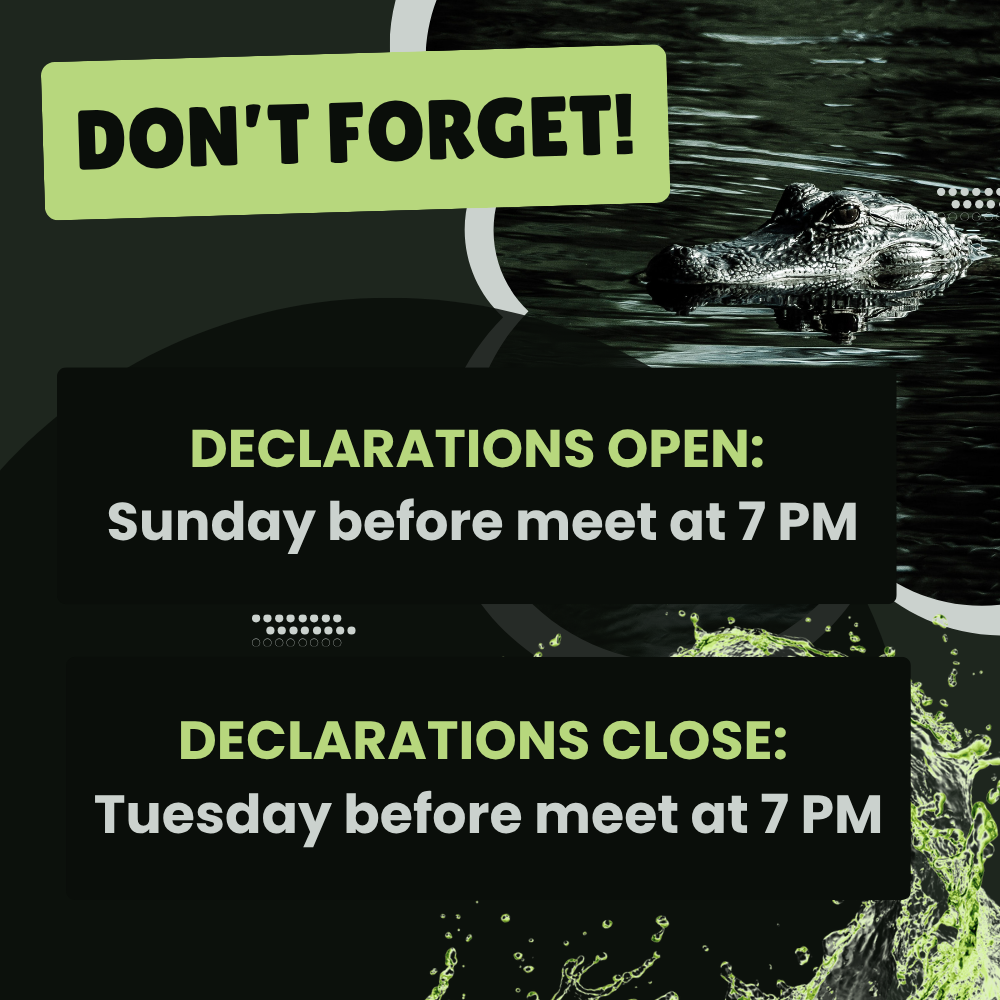

Meet Declarations



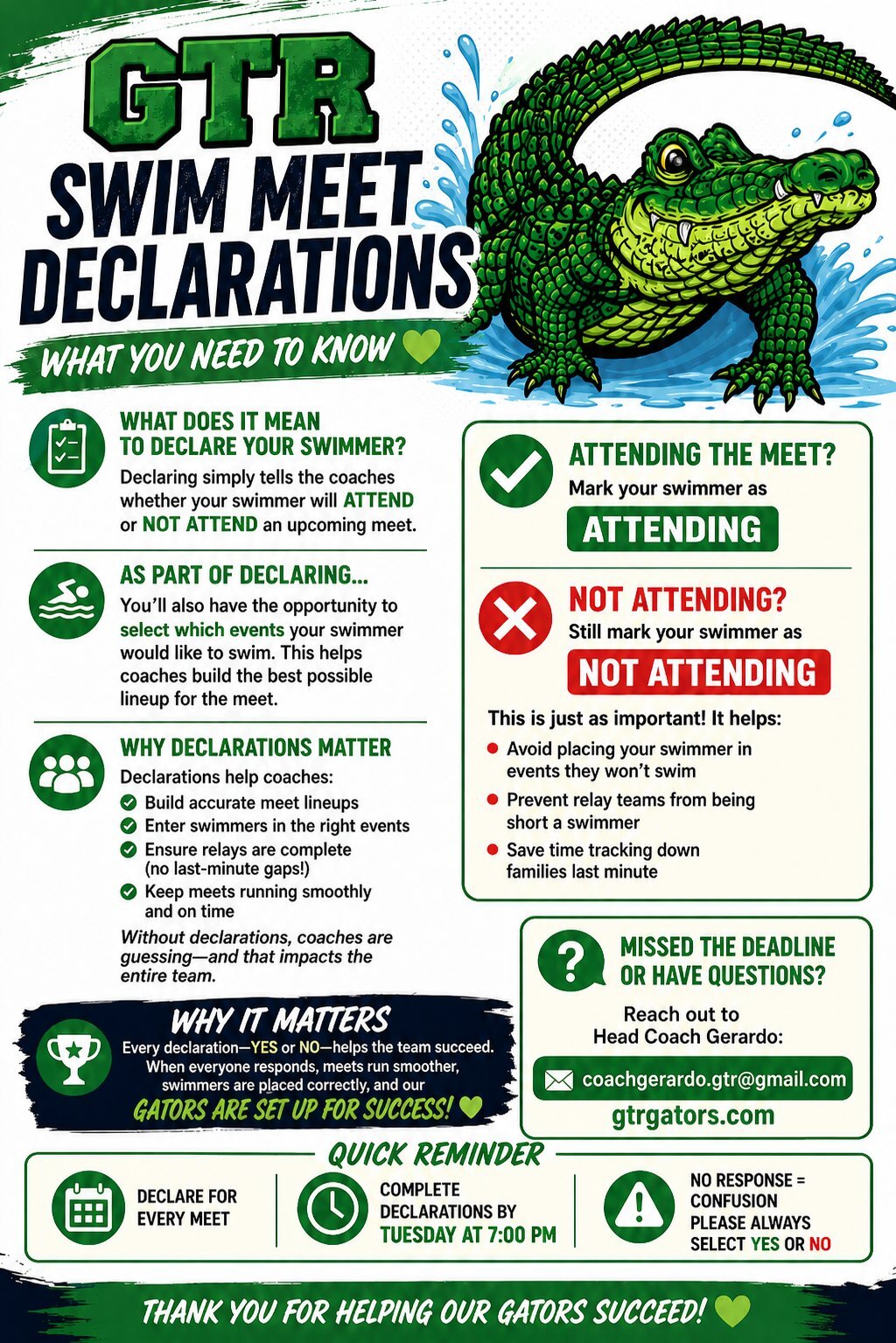
How To Declare a Swimmer Guide
Meet Declarations
Swim Meet Declarations FAQ
Declaring your swimmer is an important part of preparing for each weeks' meet. It let's the coaches know if each Gator will be attending or not attending the upcoming meet. During the declaration you will also be able to select which events your swimmer would like to swim.
When do Meet Declarations Open? Is there a deadline for declaring my swimmer?
- Declarations open the Sunday prior to the meet at 7 pm.
- Declarations close on the Tuesday prior to the meet at 7 pm.
How do I declare a swimmer and select which events they want to swim?
This is done on the GTRgator website. You'll need to log in first. Click "Meet Schedule" and then click "Meet Entry".
If attending the meet, select "Attending this meet". You will then be prompted to choose up to three individual events for your swimmer and specify your selection for team relays.
If not attending the meet, select "Not Attending the meet". Please provide a comment for the coaches.
Need more help? Click here for detailed steps and a guided walk through of how to declare a swimmer.
I accidently forgot to declare my swimmer and it's now past Tuesday at 7pm. Can my swimmer still participate in the meet?
If there is an emergency situation and you were unable to declare your swimmers before the deadline, please email [email protected] or Coach Gerardo [email protected] ASAP.
Please note that no changes can be made after 6:00pm the Thursday before the meet because both teams are required to turn in their entries.